Translate your Odoo with just one click.
Expand your sales into new countries and open up your internal recruitment to an international audience by instantly translating your Odoo with AI today
✅ 100% machine translations
🏆First translation module on the Odoo marketplace
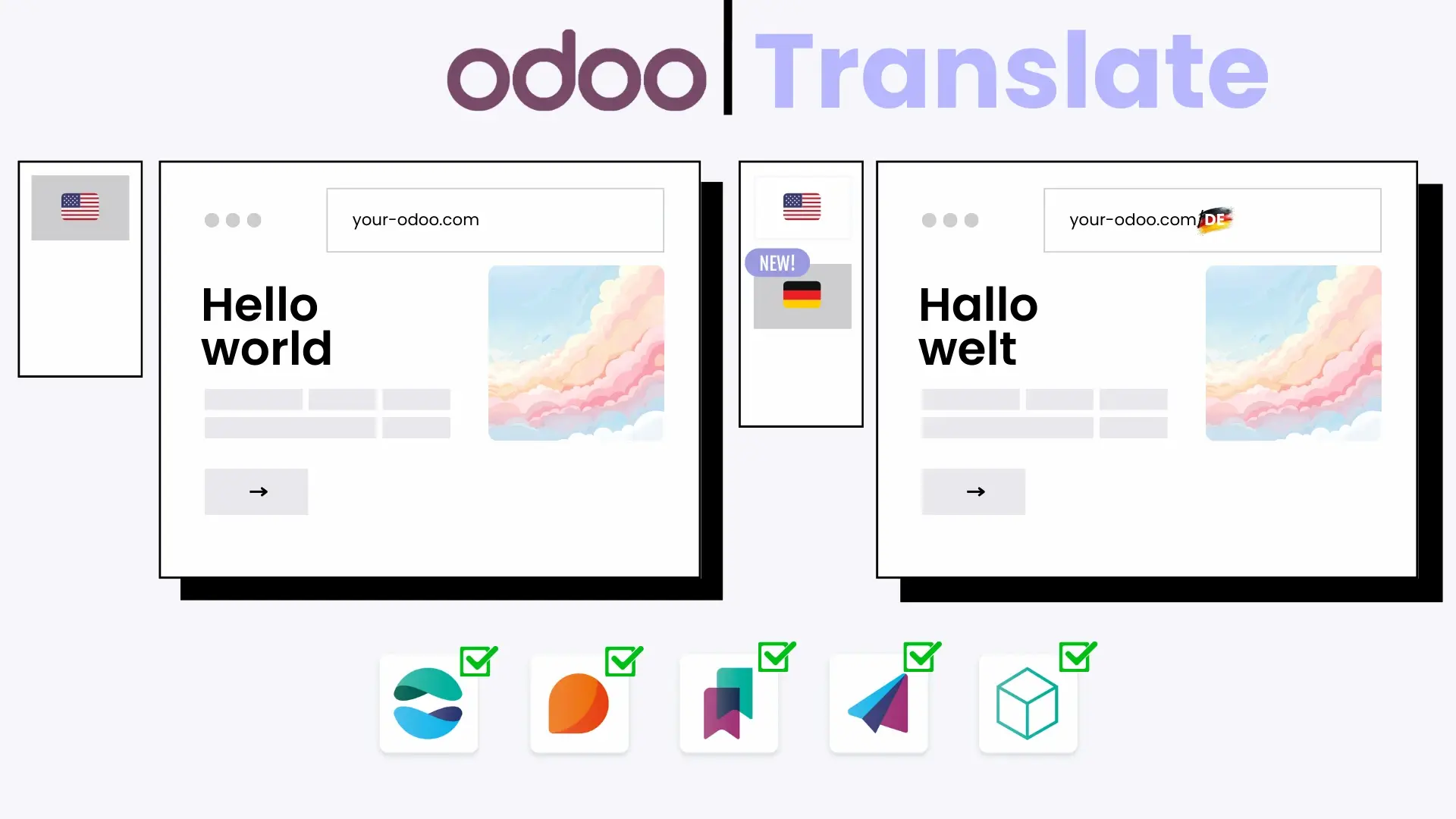
Your entire Odoo installation can be translated!
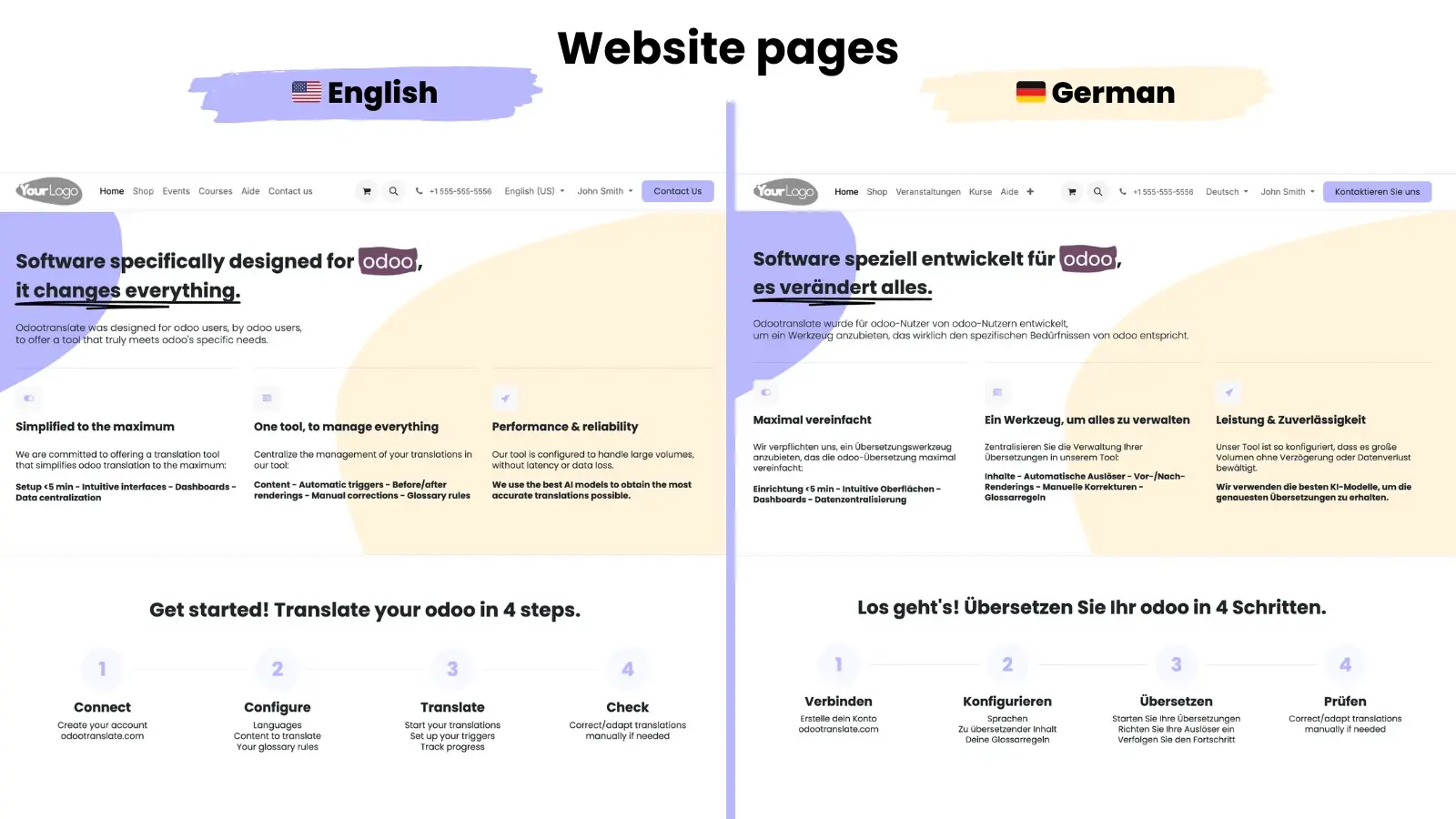
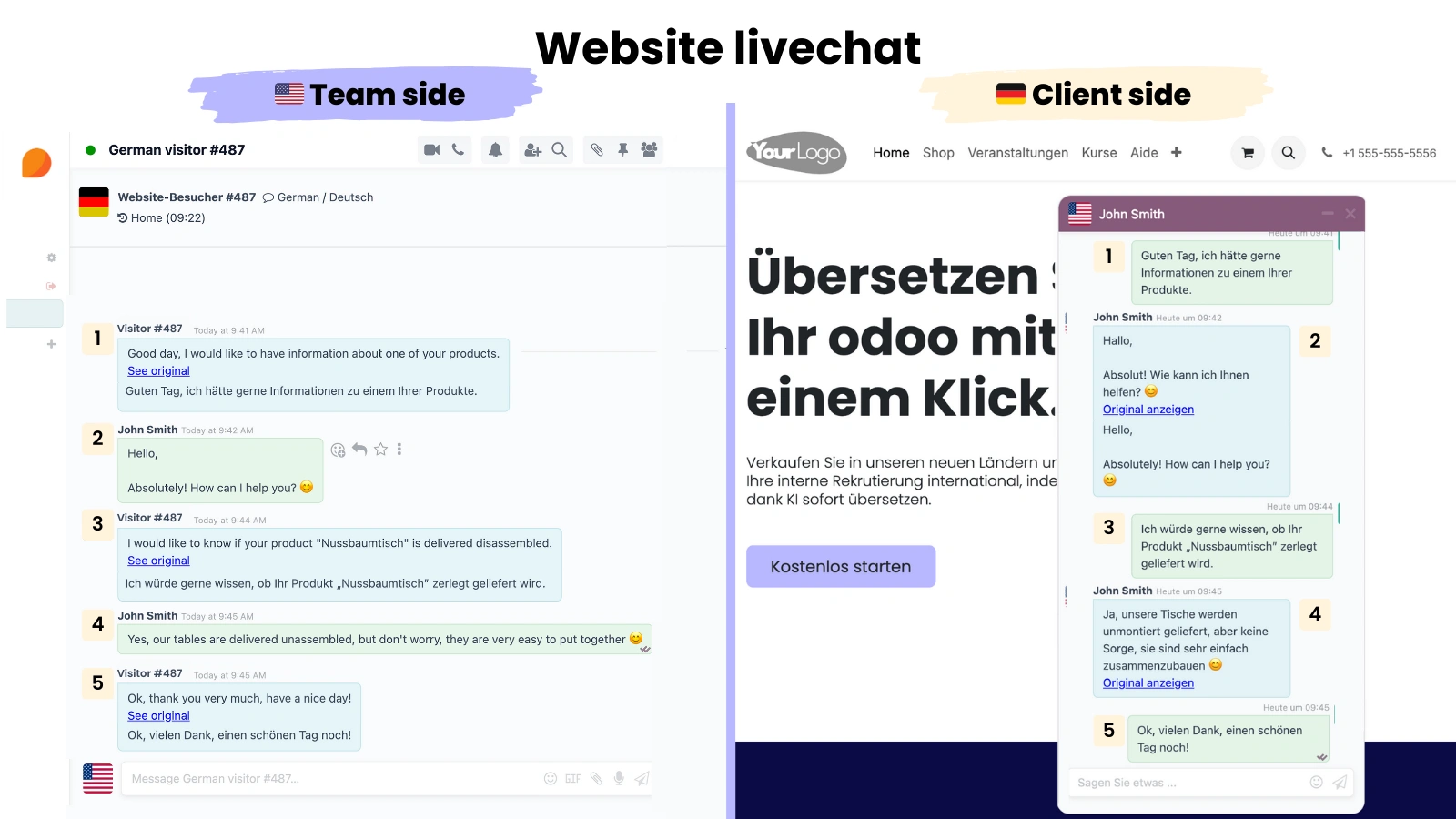
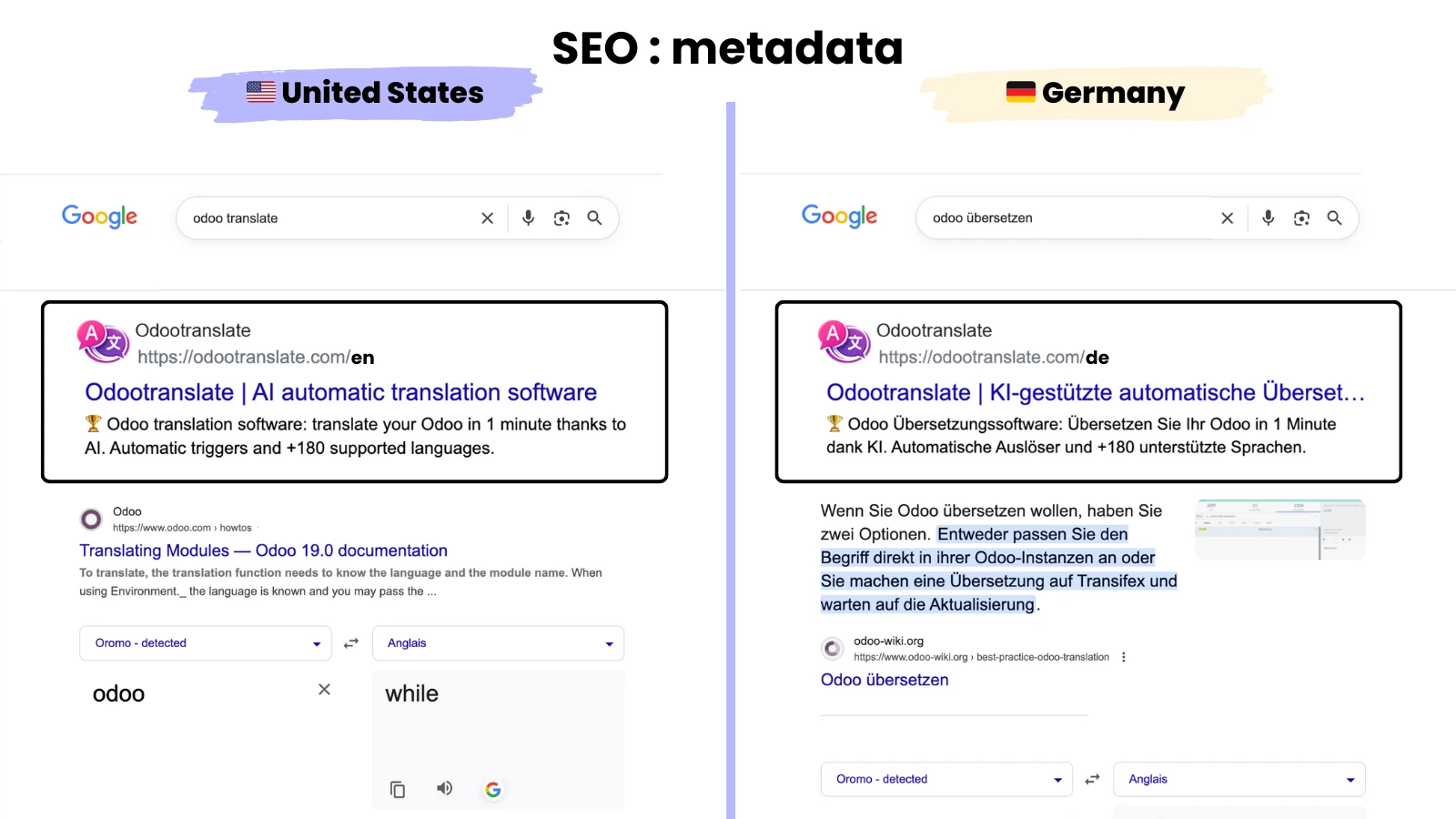
Website 🚀
Translate your website and start selling in new countries
Pages
Products
Blog Posts
Forum & E-Learning
Live Chat
Metadata (SEO)
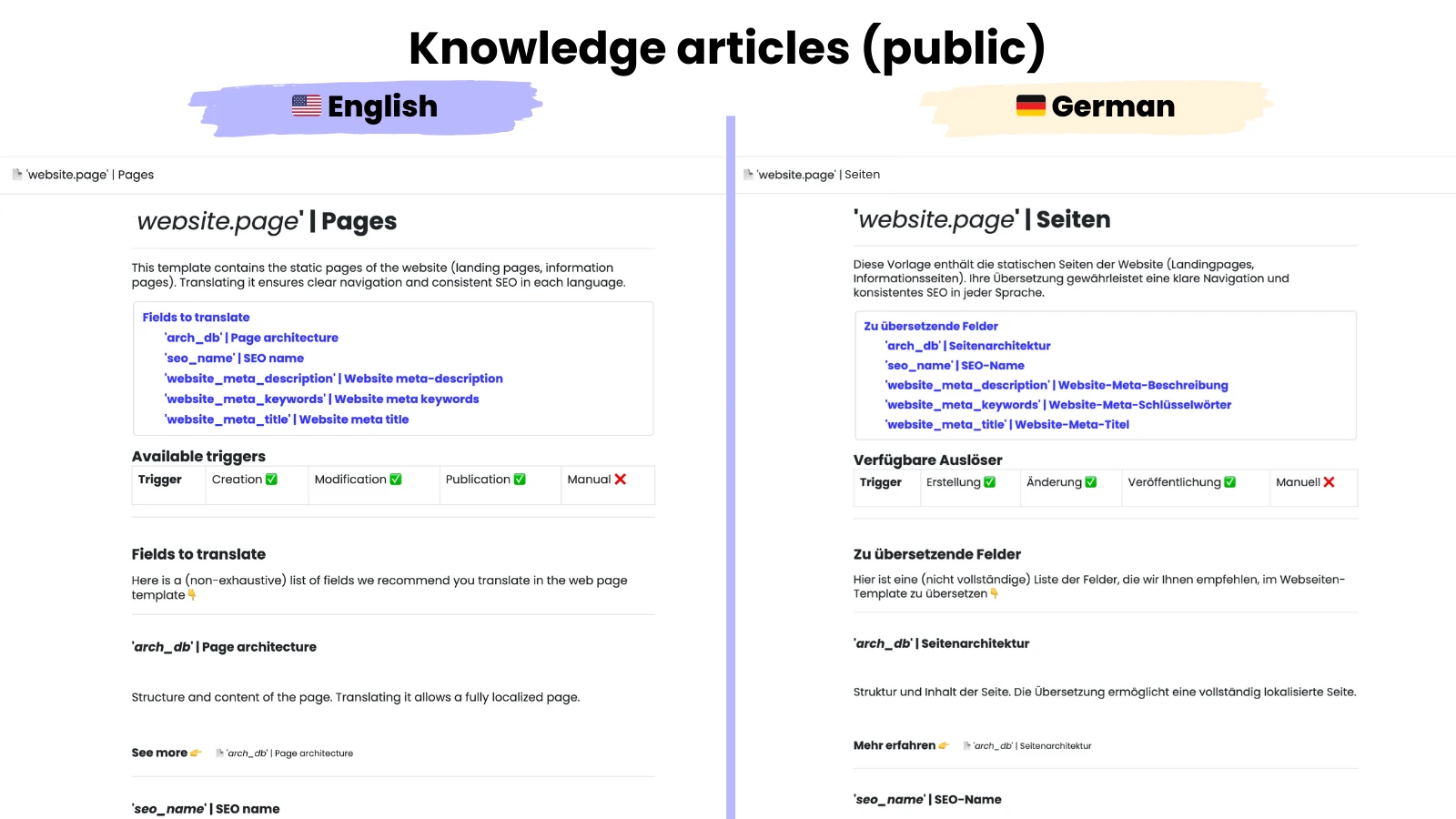
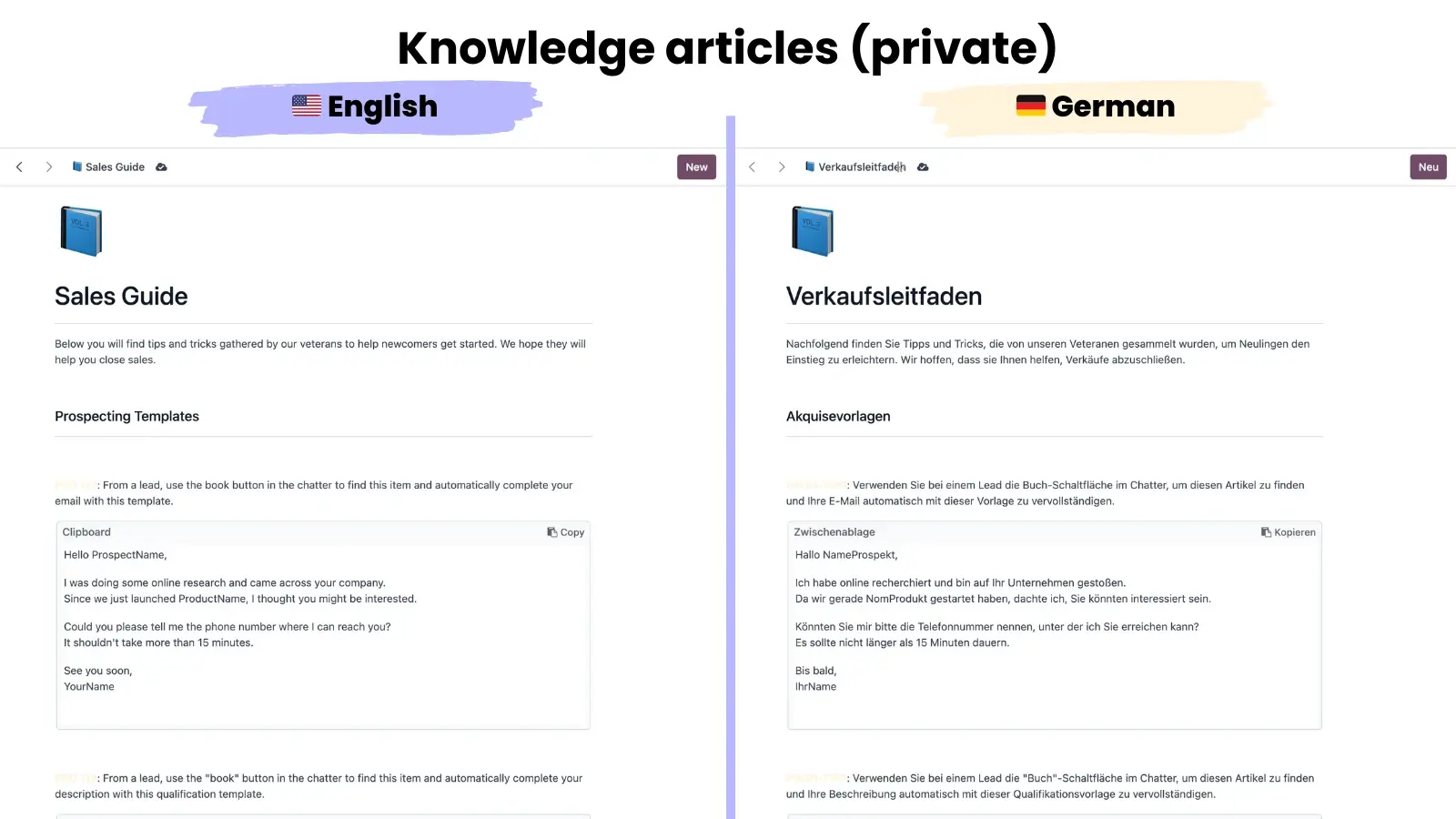
Knowledge 🧠
Translate your documentation to facilitate collaboration among your multilingual teams and/or assist your international customers.
Internal (Private) Documentation
External (public) documentation
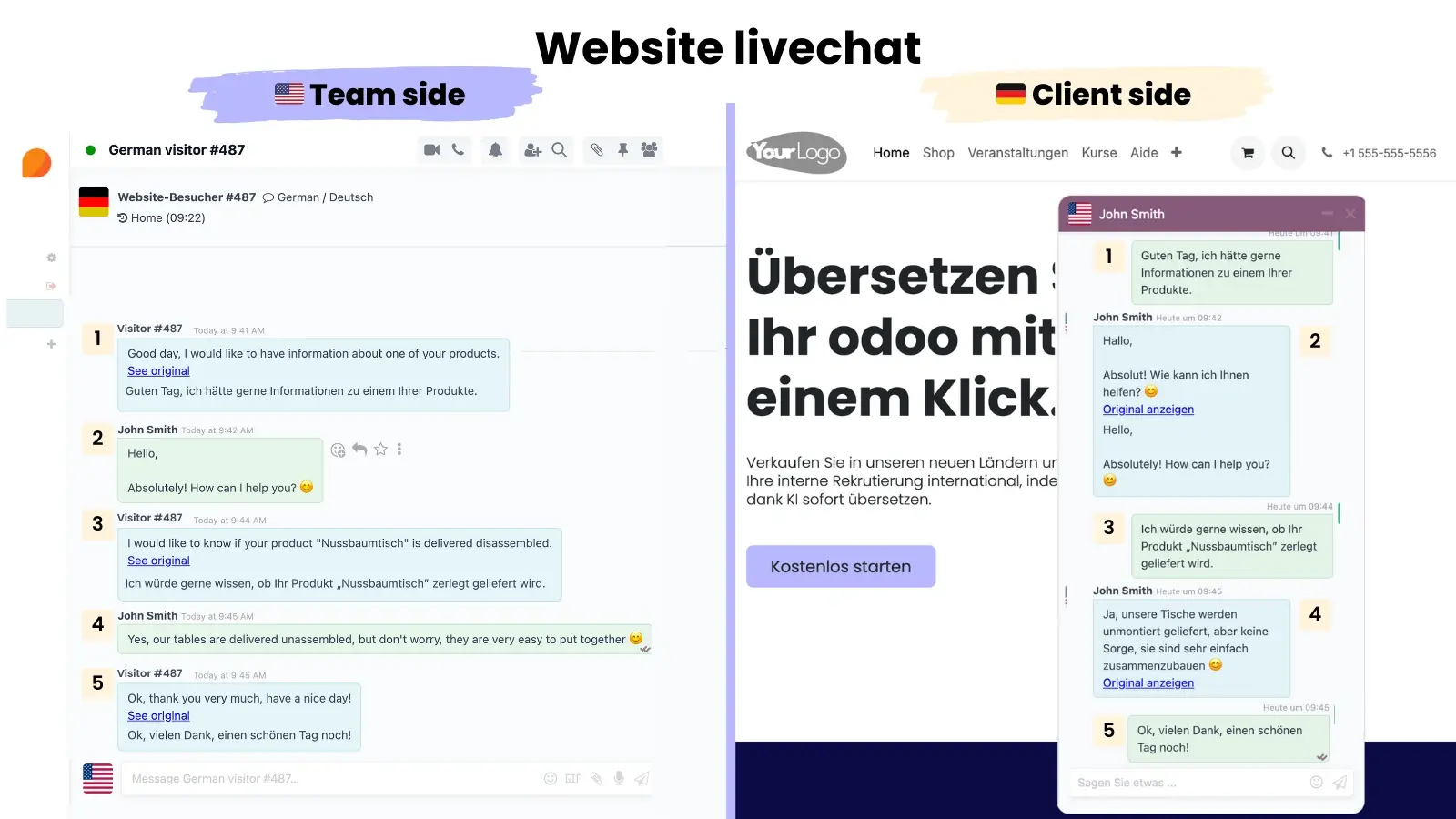
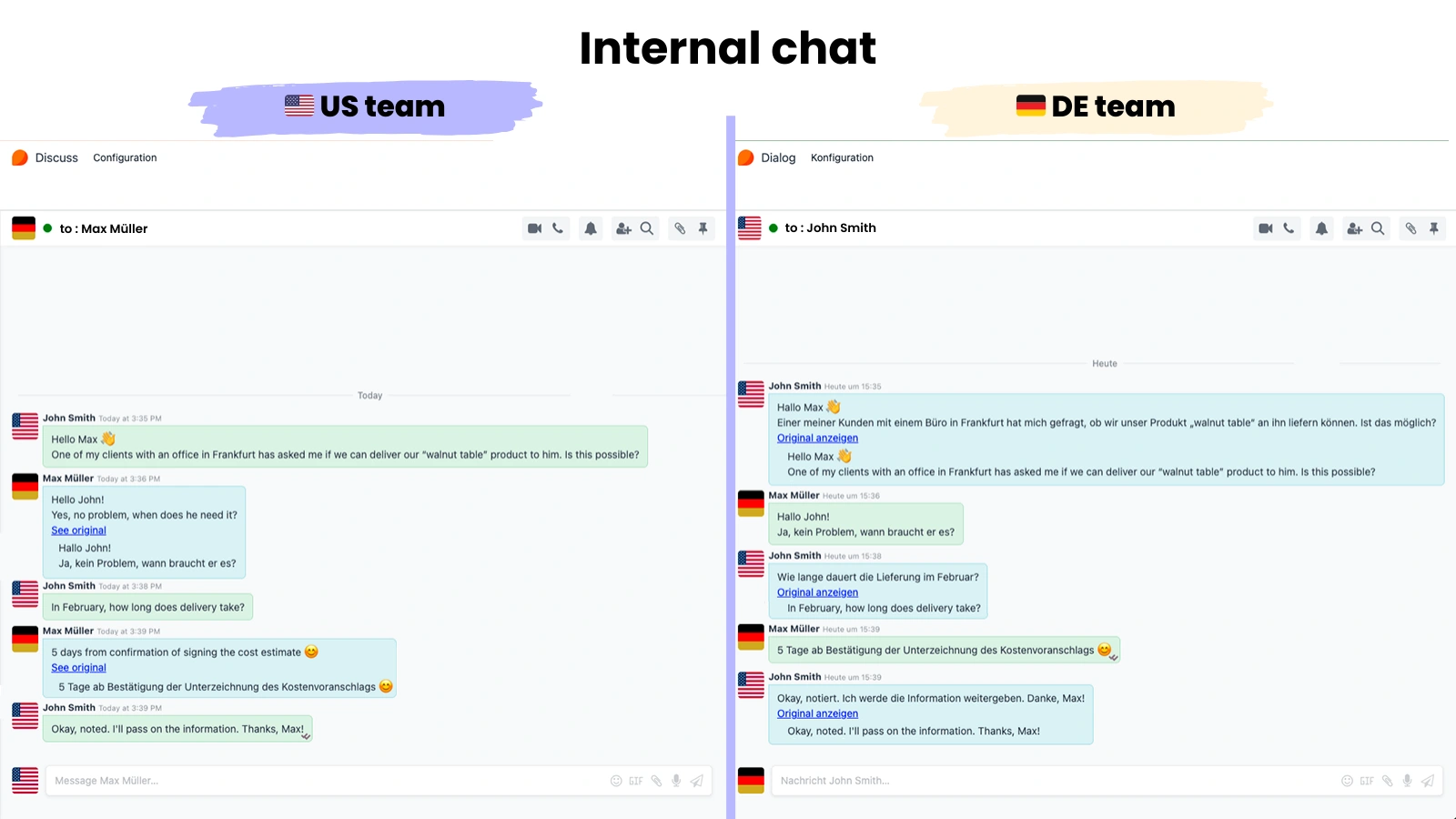
Discussions 💬
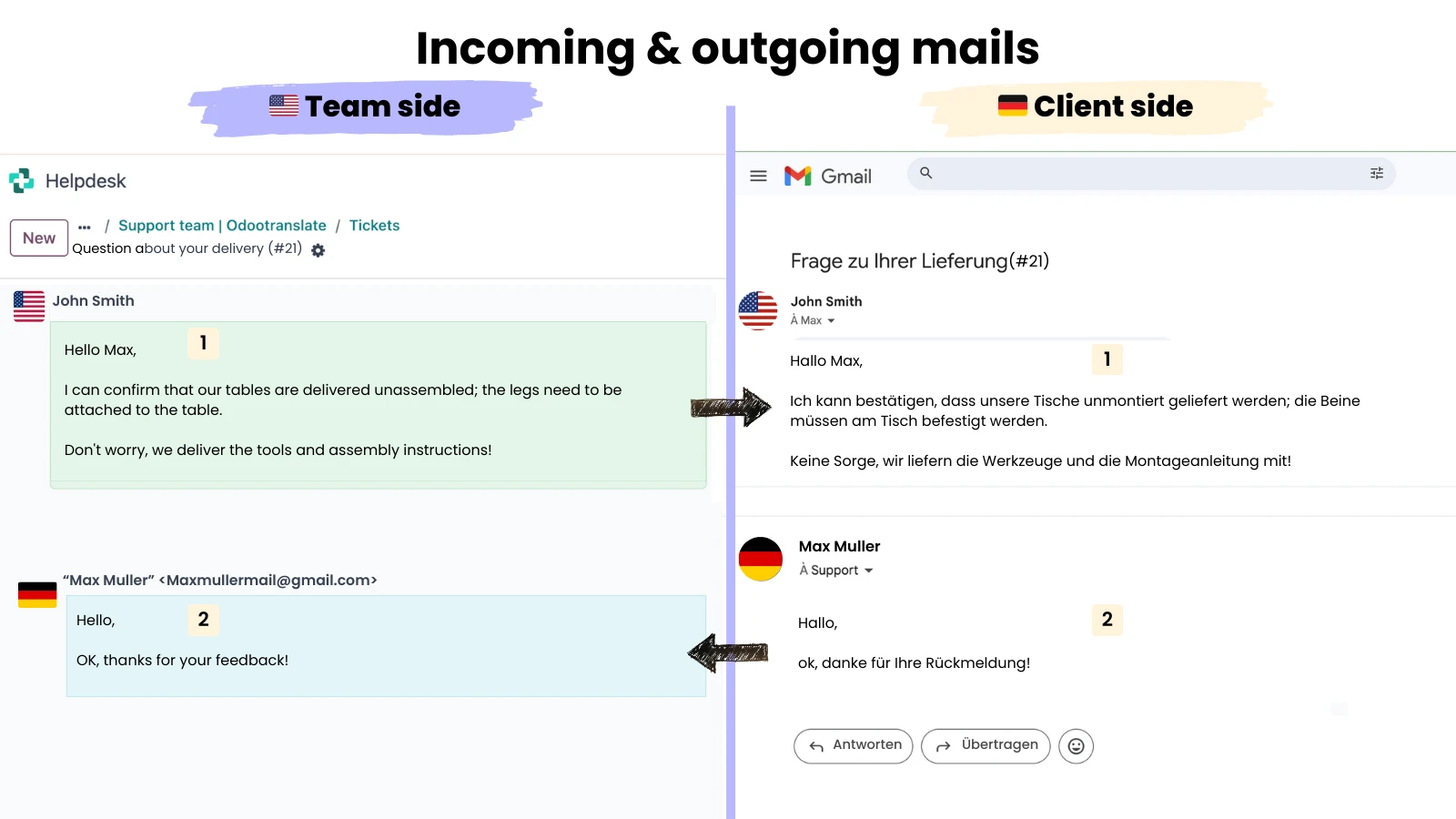
Streamline communication between customers and your teams, as well as internal messaging among your multilingual teams.
Take advantage of our system for protecting sensitive dataWINNIE©.
Live Chat
Internal Messages & Notes
Incoming & Outgoing Emails
WhatsApp Messages
Marketing ❤️
Tailor your marketing message to the nationalities of your audiences
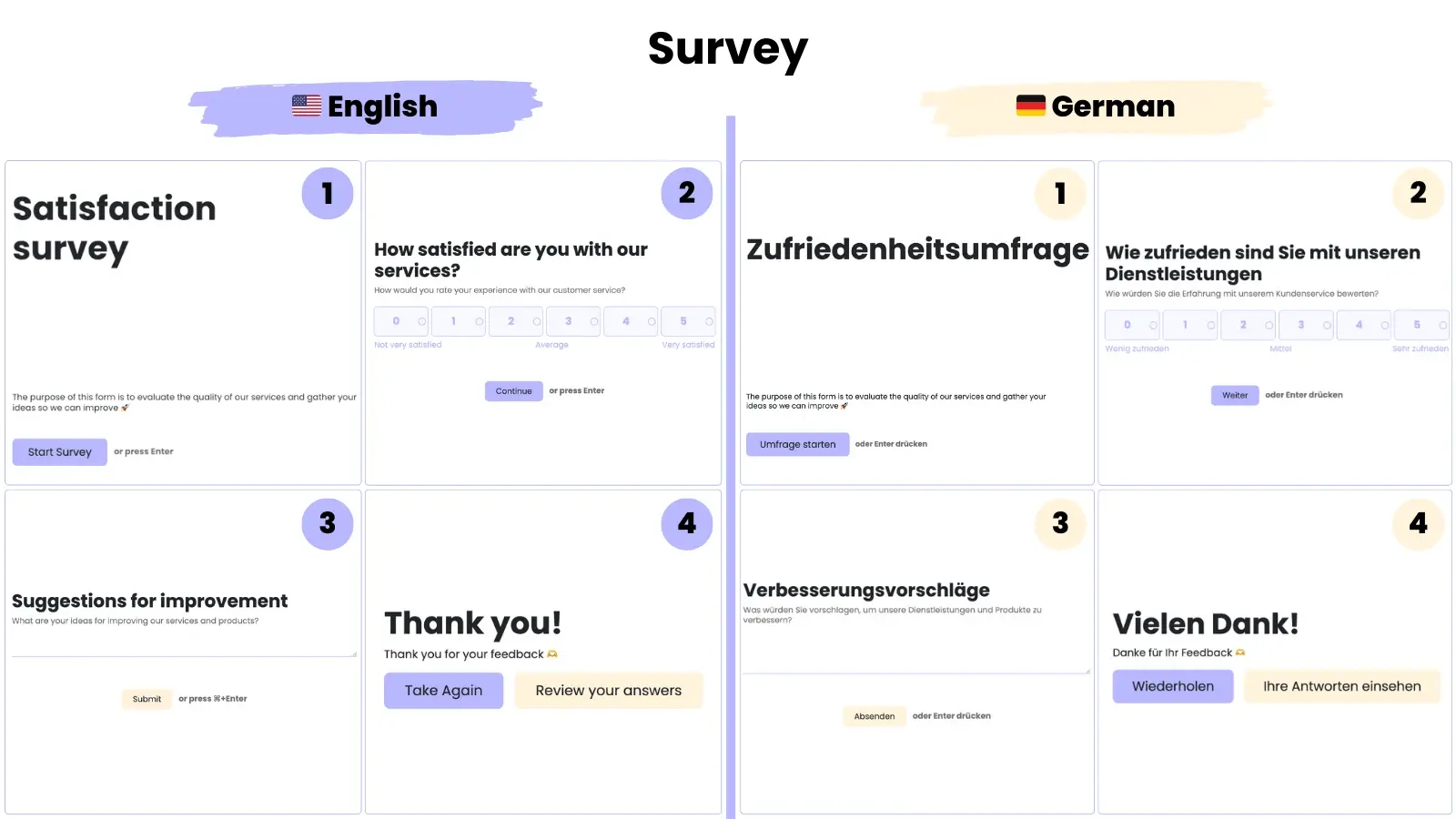
Surveys
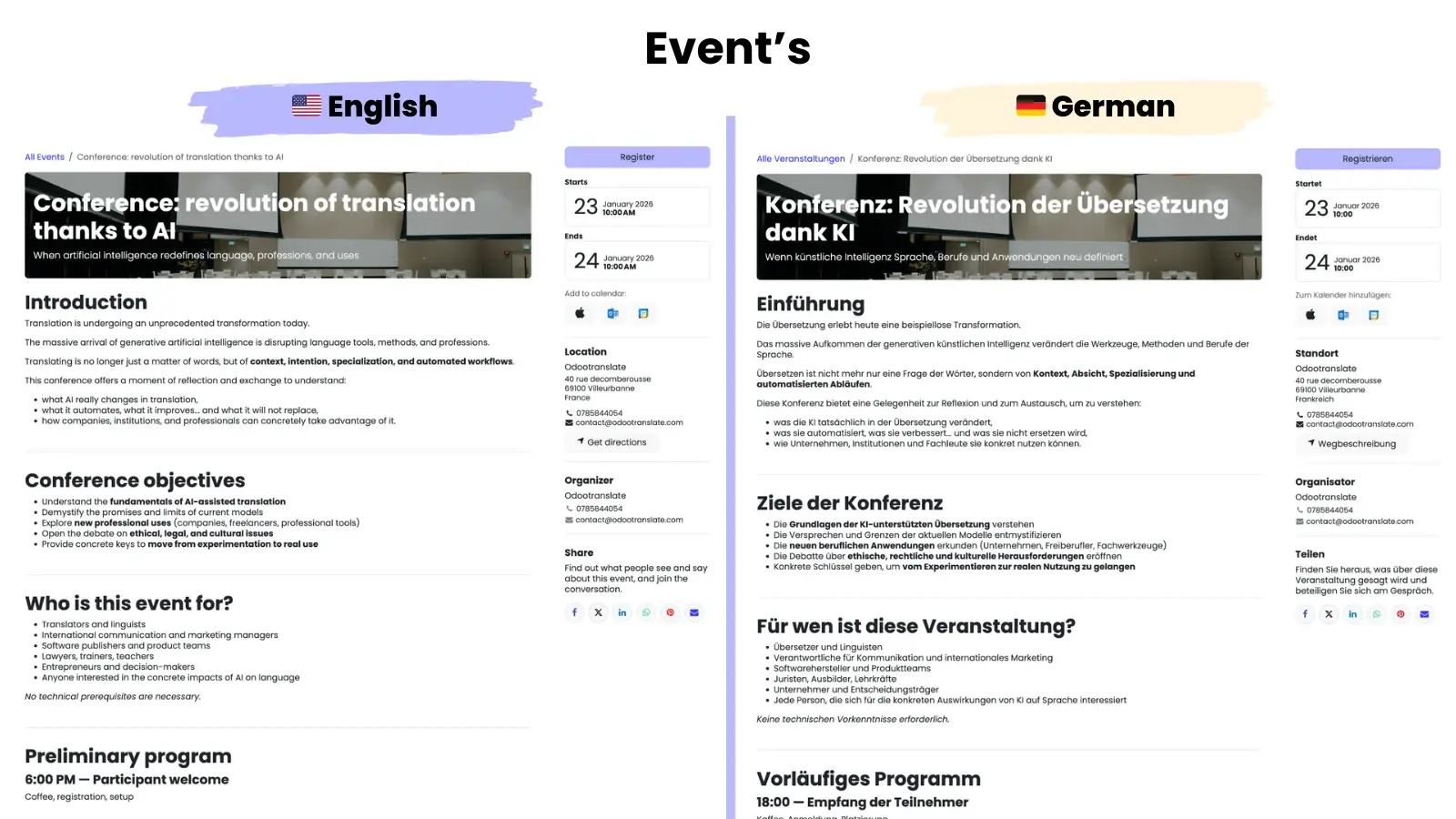
Events
Other apps 🔎
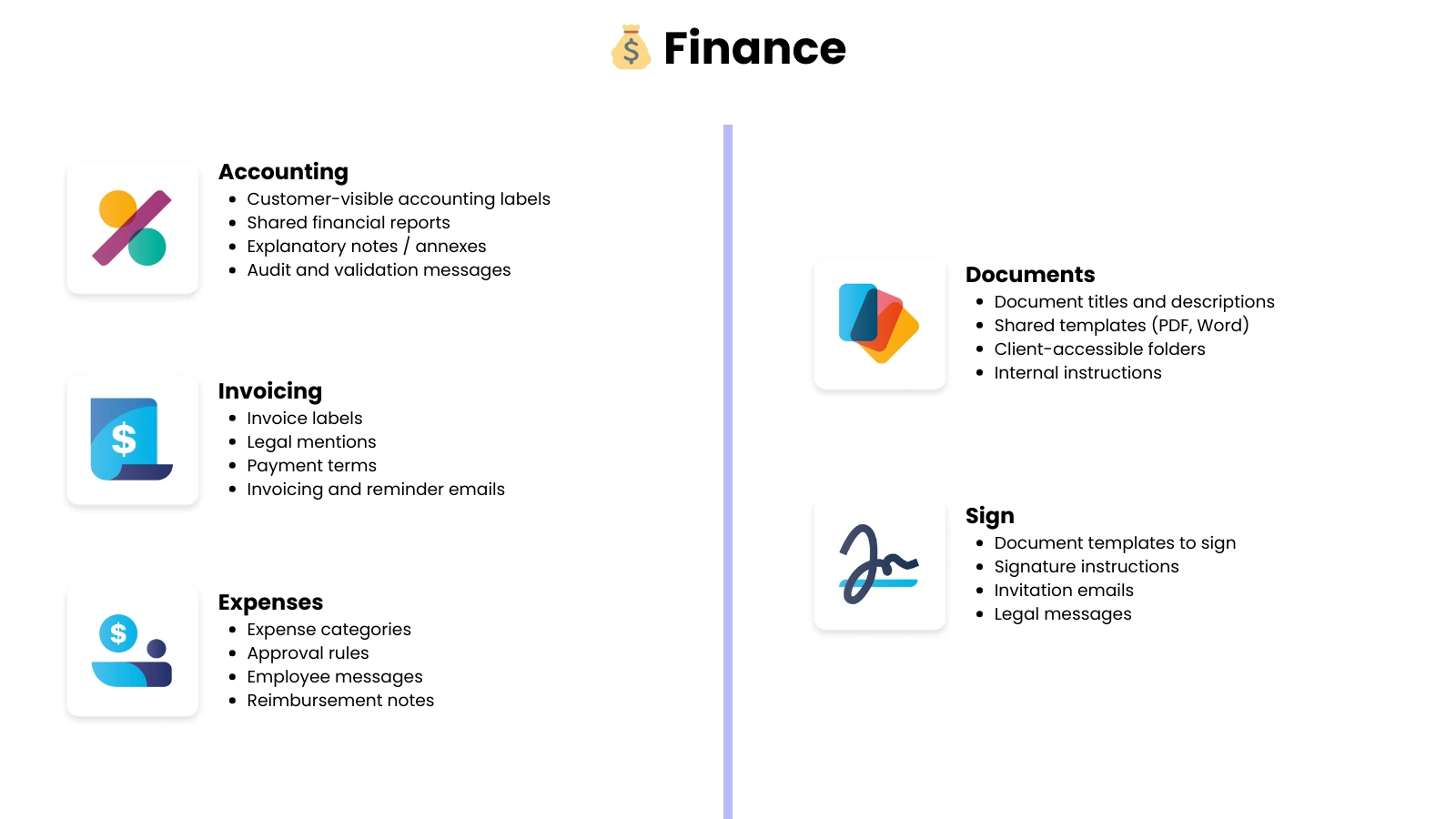
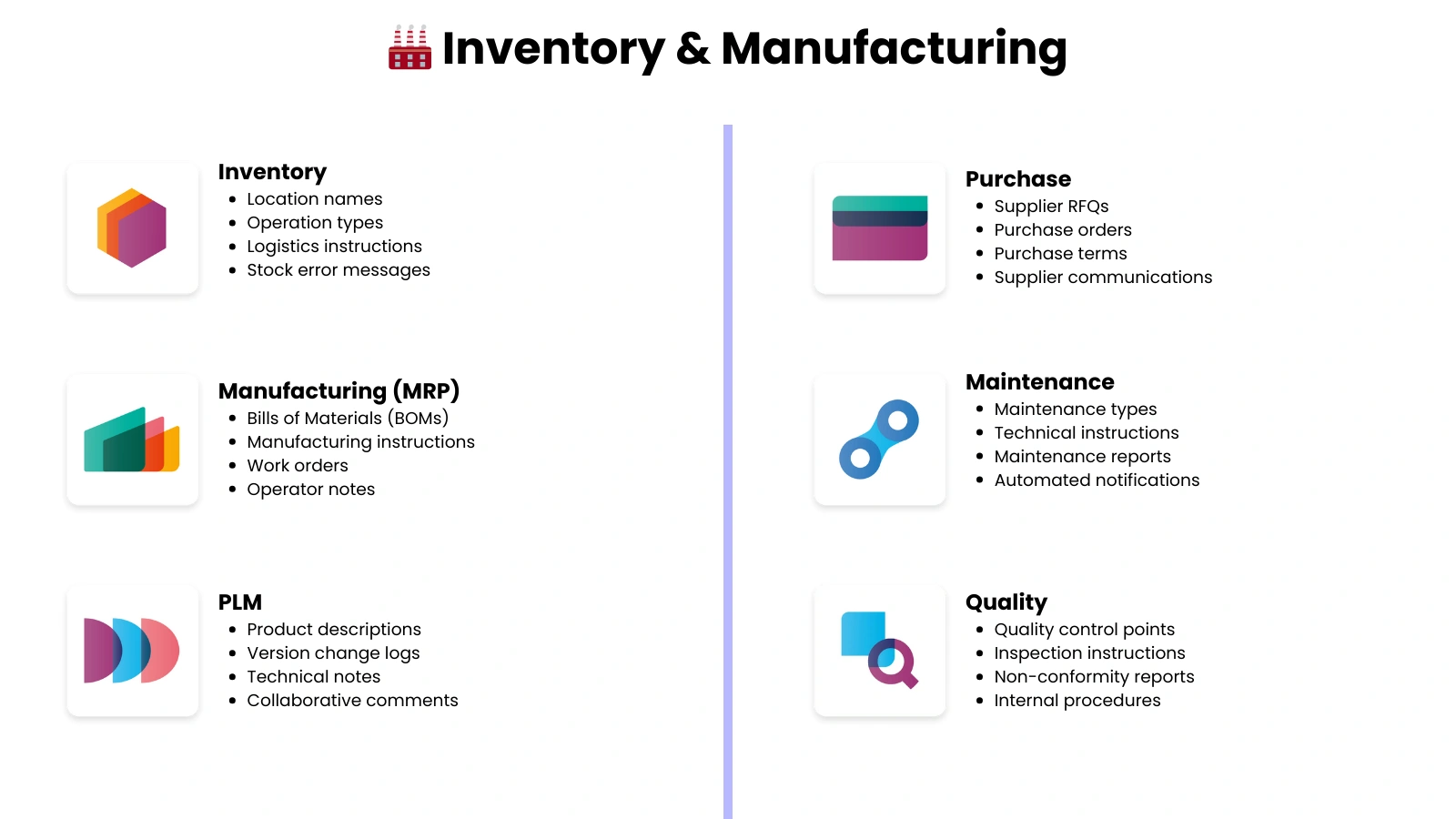
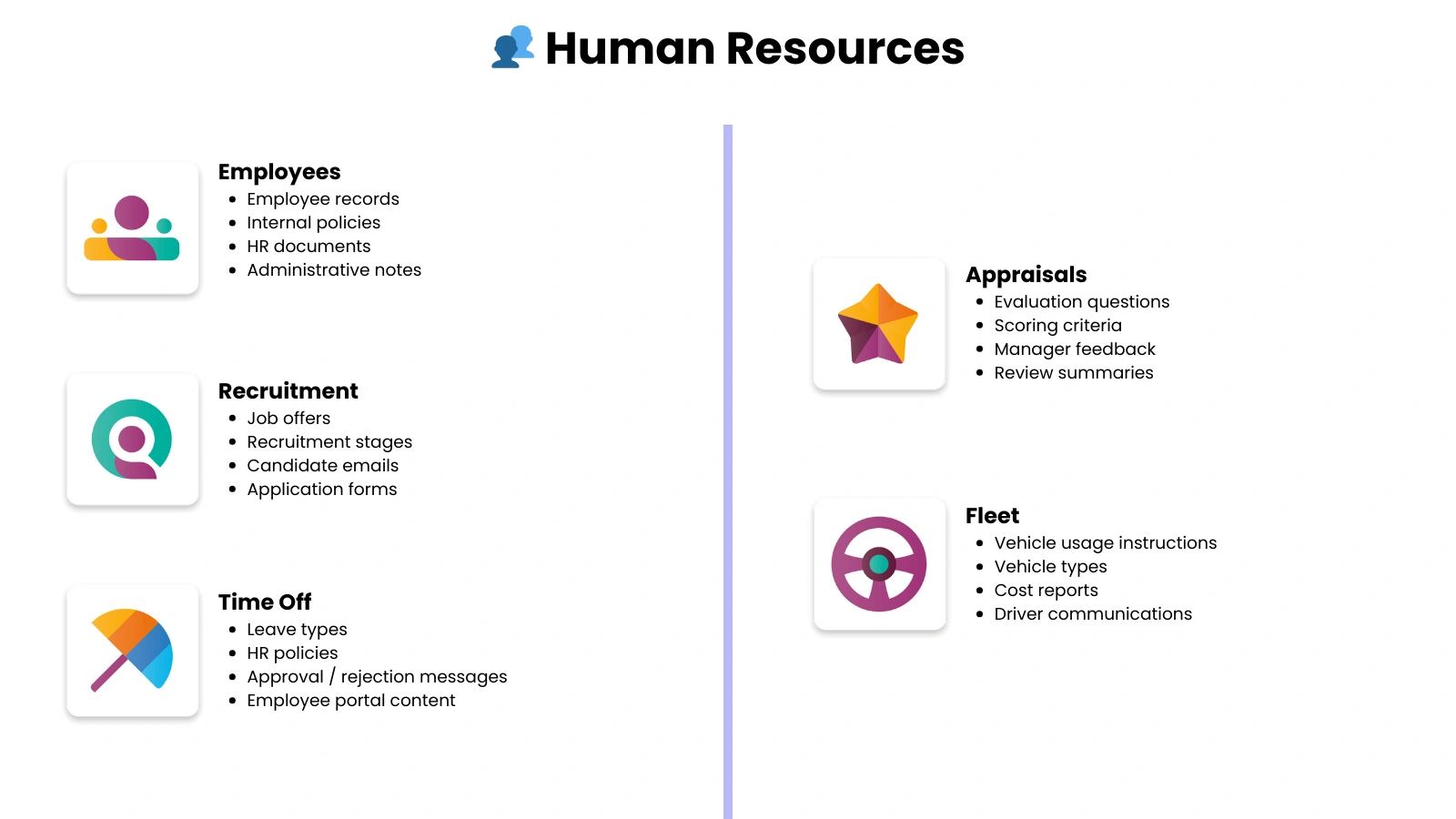
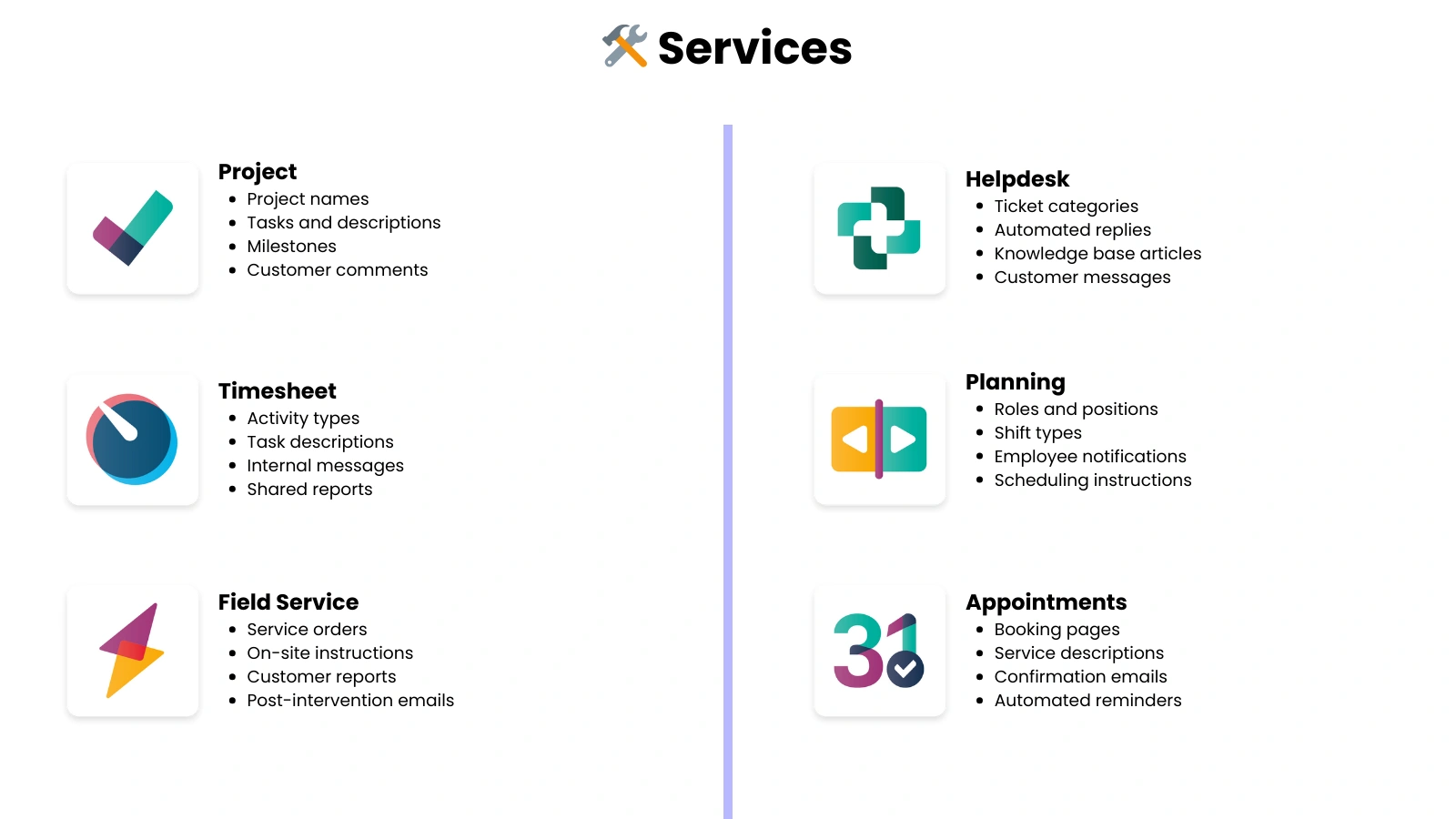
Translate all the content in Odoo's native apps
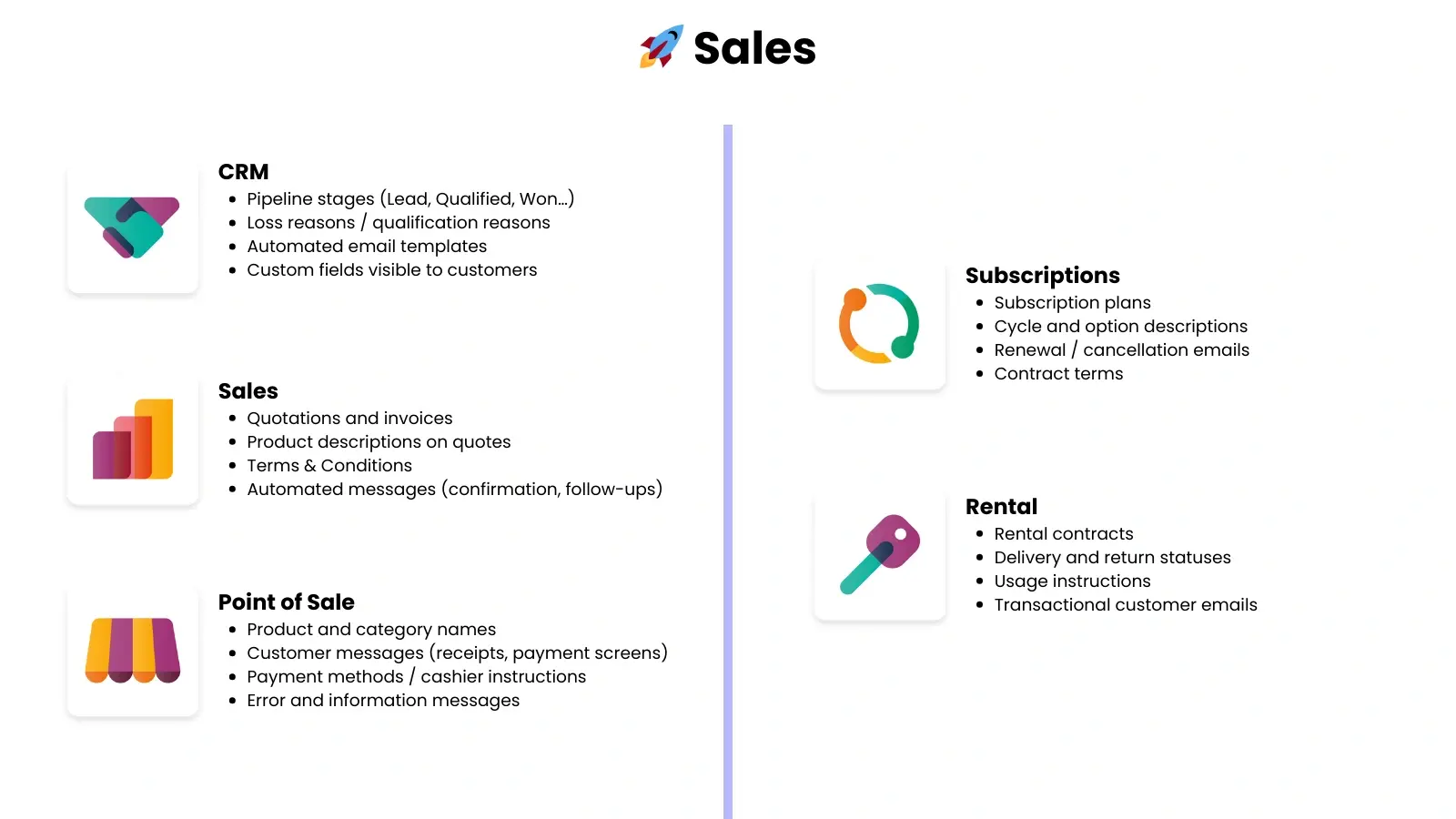
Sales
Finance
Inventory & Manufacturing
Human Resources
Services
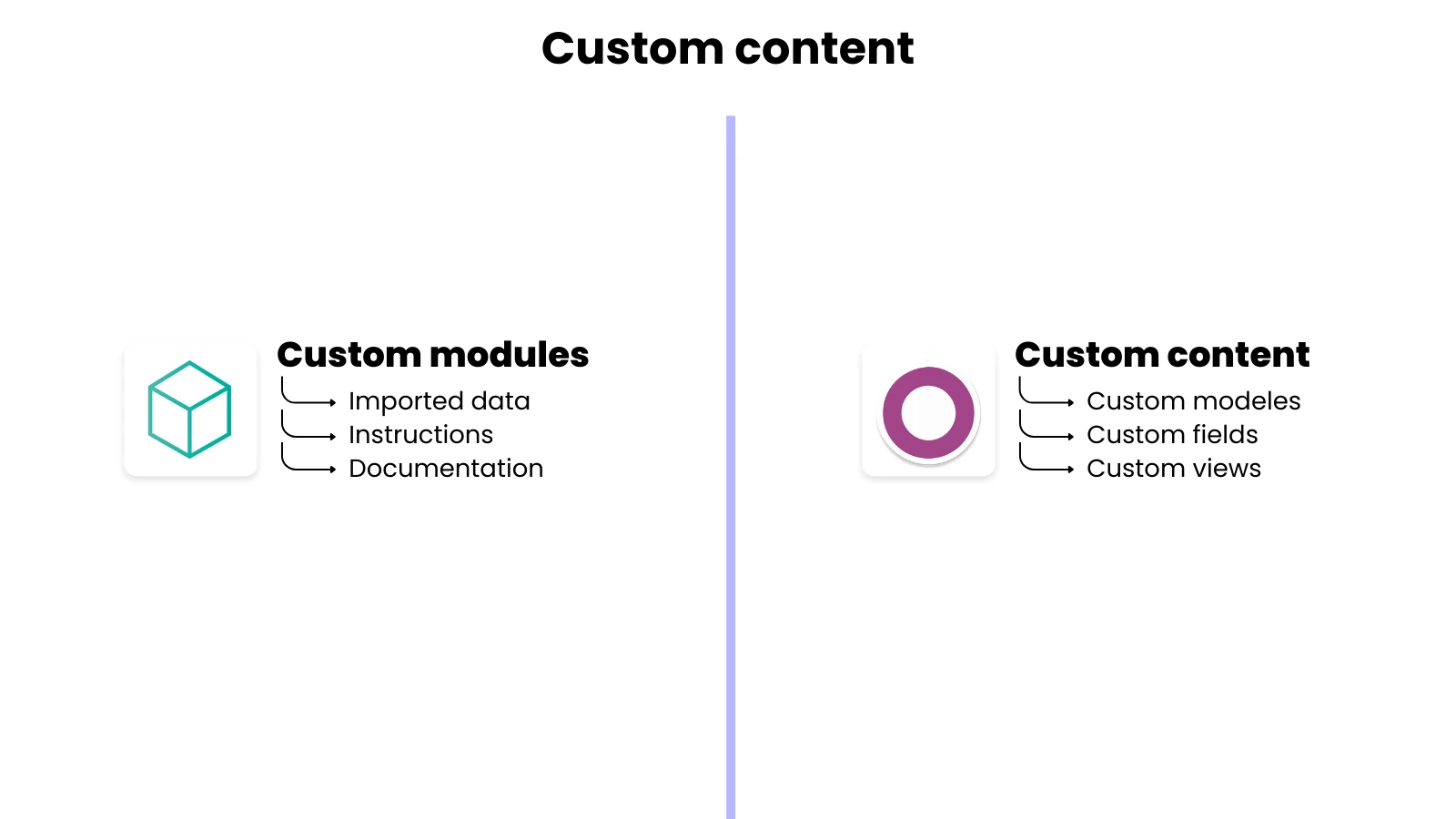
Customization 🧩
Translate all content related to your customizations that are specific to your Odoo installation
Custom Templates
Custom Fields
Custom Views
Custom Modules



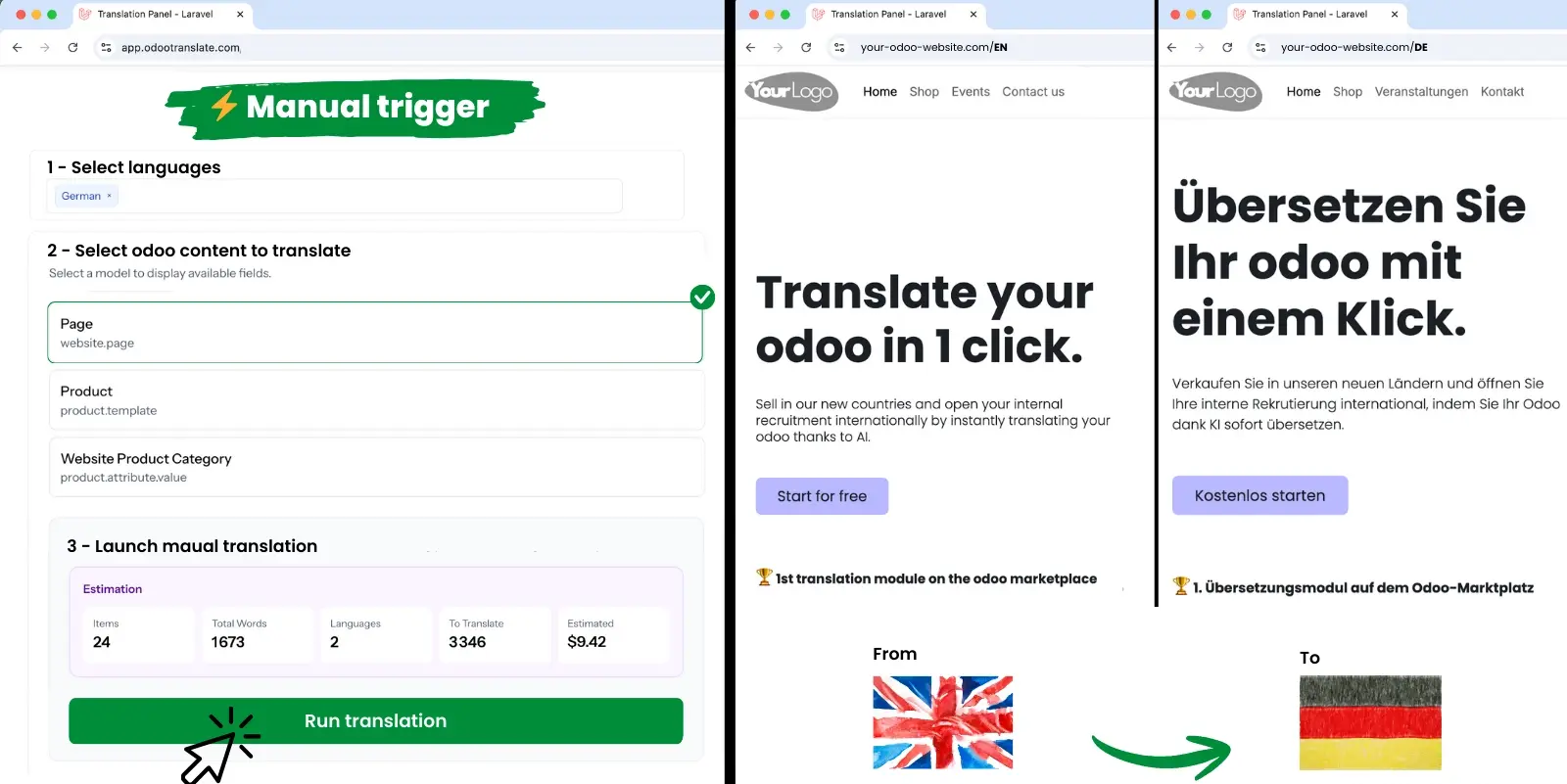
Submit your translations manually
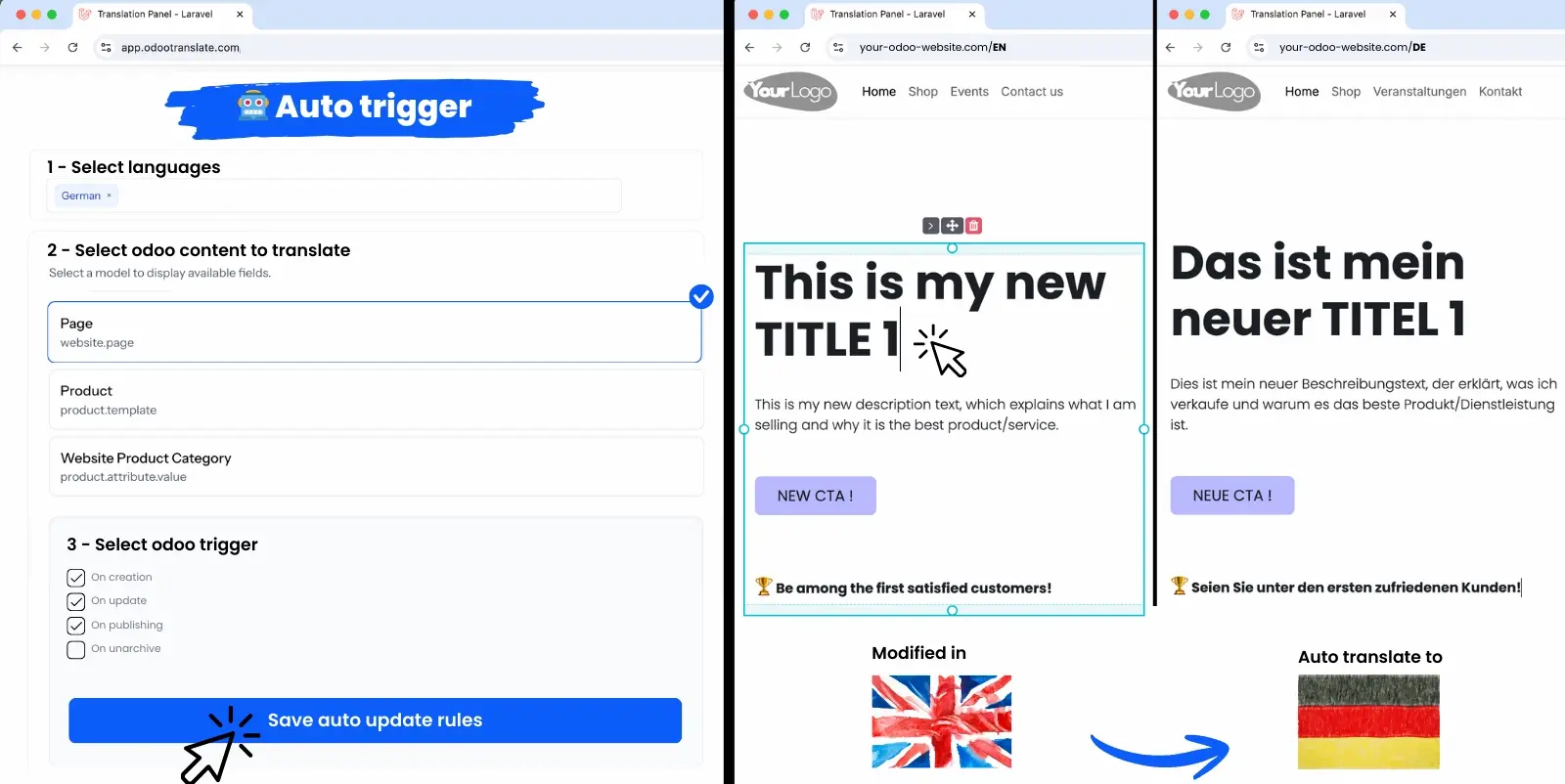
keep them up to date, automatically
Would you like to translate specific Odoo content?
Select the language and the content to be translated, then start the translation.
Congratulations! Your content has just been translated 🥳
Would you like your content to be translated automatically, without you having to do anything?
Select the language, the content to be automatically translated, and your Odoo triggers.
Congratulations! Your content will be translated automatically 🥳
Software specifically designed for Odoo ,
That changes everything.
Odootranslate was designed by and for Odoo users, to provide you with a tool that truly meets the specific needs of Odoo.
Simplified as much as possible
We are committed to providing a translation tool that makes translating Odoo as easy as possible:
Setup <5 min - Intuitive interfaces - Dashboards - Centralized data management
One tool to manage it all
Centralize the management of your translations in our tool:
Content - Automatic Triggers - Before-and-After Visualizations - Manual Corrections - Glossary Rules
Performance & Reliability
Our tool is configured to handle large volumes without latency or data loss.
We use the best AI models to produce the most accurate translations possible.
Get started! Translate your Odoo in 4 steps.
1
Log in
Create your account at app.odootranslate.com
2
Configure
Your languages
Content to be translated
Your Glossary Guidelines
3
Translate
Get started with your translations
Set up your automations
Track your progress
4
Check
Manually correct or adjust the translations as needed
Frequently Asked Questions
Yes! However, Odoo Online does not allow you to install modules from the marketplace; you will not be able to take advantage of its advanced features.
Our tool calculates the number of words based on the content (fields) and the number of languages you select.
To access this cost simulation tool, you mustCreate an accountand provide your Odoo API key.
You can use our app for free for up to 2,000 words per month (in a single language). Once you exceed these limits, you'll need to subscribe.
We designed our app to be as intuitive as possible; however, if you need help with setup, you canContact Us
Try Odootranslate,
It's free!
Get instant access to Odootranslate and see for yourself how it works. Continue using it for free or upgrade to enjoy premium services.